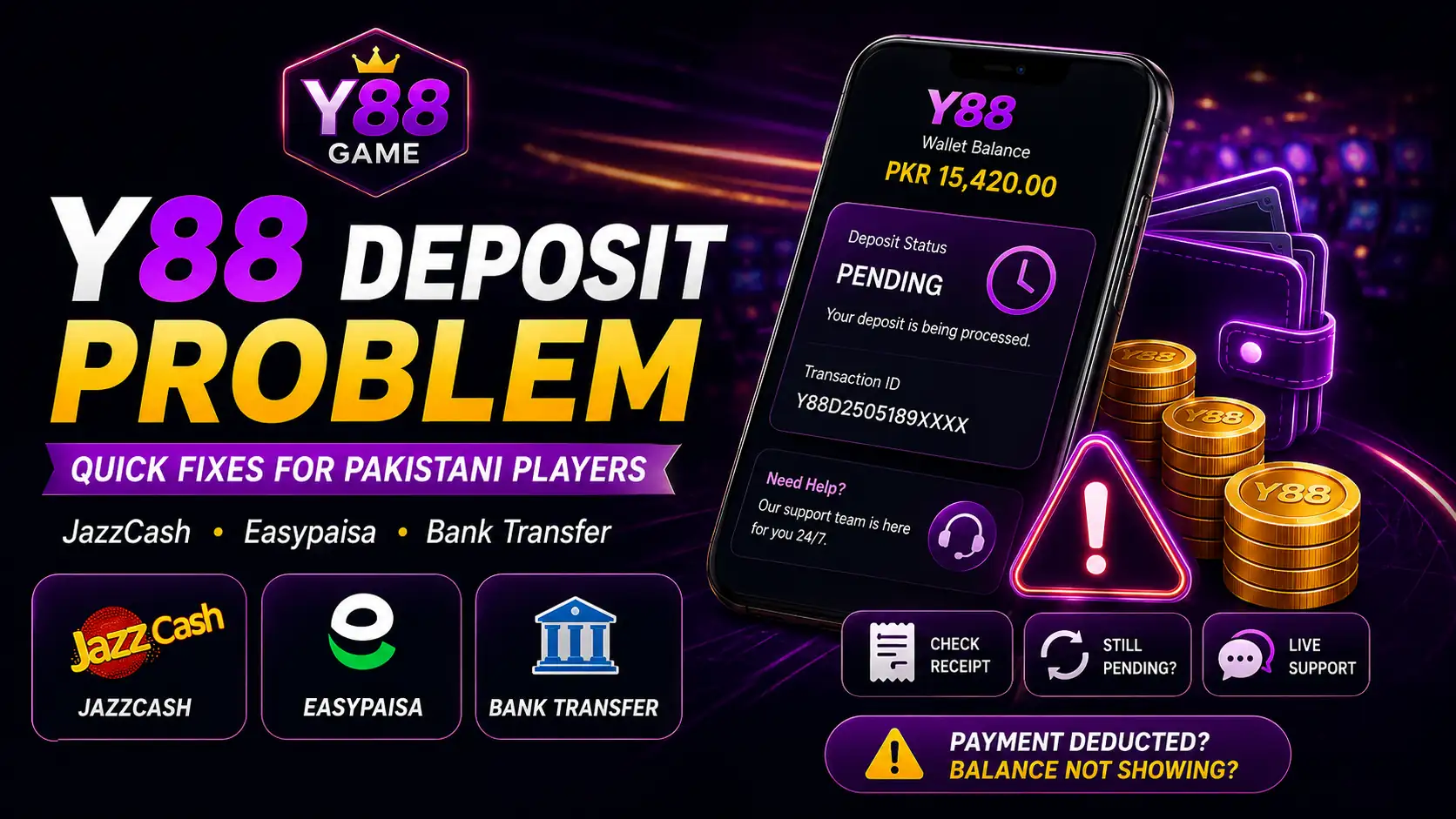
Y88 Deposit Problem can feel confusing when money leaves JazzCash, Easypaisa, or a bank account but the gaming balance does not update. The best response is not to send the payment again. A deposit passes through several checkpoints, and finding the point where it stopped is usually more useful than guessing.
For Pakistani users, the important evidence is already on the phone: payment status, transaction ID, amount, time, and receiver details. Keep these together before contacting support so the case can be checked without unnecessary back-and-forth.
Start With the Three-Checkpoint Test
Ask three questions: Was the amount deducted? Does the payment provider show the transfer as successful? Has the gaming wallet credited the same amount? A Y88 Deposit Problem becomes easier to understand once you know where the answer changes from “yes” to “no.”
If nothing was deducted, the payment may not have started. If the amount was deducted but still shows processing, wait for JazzCash, Easypaisa, or the bank to update. If the provider says successful but the balance is unchanged, move to the next check.
Match the Payment Details
A Y88 Deposit Problem can begin with one incorrect digit. Compare the mobile number, account number, IBAN, merchant details, and deposit amount with the receipt instead of relying on memory.
Anyone browsing the Y88 Casino Game section should keep payment information private. A support request may need a transaction reference, but it should never require your wallet PIN, OTP, banking password, or recovery code.
JazzCash: Read the Final Status
JazzCash may show a payment as successful, pending, failed, or reversed. A deduction alone does not always mean the receiver has received final confirmation.
If a Y88 Deposit Problem follows a successful JazzCash transfer, save the transaction ID and receiver number. Do not send the same amount again simply because the gaming balance has not refreshed immediately.
Easypaisa: Check the History Before Retrying
Easypaisa users should open recent activity and confirm the transaction status. Network congestion or maintenance can sometimes create a delay between deduction and final posting.
Keep a screenshot showing the amount and time. If Easypaisa later reverses the transaction, check the wallet balance before raising another payment request.
Bank Transfer Has More Places for Errors
Bank transfers involve more information than mobile-wallet payments. Pakistani users may transfer through HBL, UBL, MCB Bank, Meezan Bank, Allied Bank, Bank Alfalah, Askari Bank, or another supported bank.
A bank-transfer delay can come from a wrong IBAN, account-title mismatch, missing reference, or normal interbank processing. Keep the receipt until the balance appears.
Someone using a Y88 Earning App should remember that a “successful” banking screen confirms only the bank-side transfer. The gaming wallet may still need separate confirmation.
Avoid the Duplicate-Payment Trap
The easiest way to make a deposit issue more complicated is to pay twice. One delayed transaction can quickly become two separate cases that both need tracing.
When a Y88 Deposit Problem is still pending, check the original payment history before trying again. Wait for the stated processing window and use the first transaction reference if support needs to investigate.
If you installed a Y88 Money APK, make sure you are signed into the intended account and using the verified payment section before sending any additional funds.
Compare the Entered and Sent Amounts
Some payment channels may have minimum or maximum limits. The amount entered on the deposit screen should match the figure actually transferred.
A Y88 Deposit Problem may occur when the platform expects one amount but receives another. Review the receipt and deposit record side by side before submitting a new transaction.
Keep Your Account Details Consistent
Manual payment checks are easier when the registered name, mobile number, and payment account belong to the same user. A mismatch can slow down the review.
For a Y88 Deposit Problem, using your own JazzCash, Easypaisa, or bank account is the cleanest option. Keep your Y88 Game profile details accurate so support can connect the transfer to the correct account.
Build One Useful Support Message
A clear support message should include your account ID, deposit amount, payment method, transaction ID, date, time, and current status. Attach a receipt screenshot only after hiding unrelated private information.
If the Y88 Deposit Problem remains unresolved after the normal processing period, send that information through a verified support route. Avoid anyone demanding an extra “release fee” or asking for your OTP or wallet PIN.
Conclusion
A missing gaming balance does not automatically mean the money has disappeared. Following the payment from your wallet or bank to provider confirmation and then to the gaming account gives you a much clearer picture of what actually happened.
If the credit still does not appear, keep the original evidence and use official support rather than repeating the payment. Protect private credentials, use payment accounts you control, and treat every deposit with the same care as any other online financial transaction.