Y88 Account Safety: Protect Login & Personal Details 2026
Using any online account becomes easier when security is treated as part of the routine rather than something to think about after a problem appears. Y88 Account Safety starts with a few simple habits: keeping login details private, checking what information a page is asking for, and slowing down when a message feels unusual.
A strong security routine does not need to be complicated. Most of it comes down to knowing what belongs only to you and recognising situations where someone may be asking for more information than they actually need.
Start With the Details That Belong Only to You
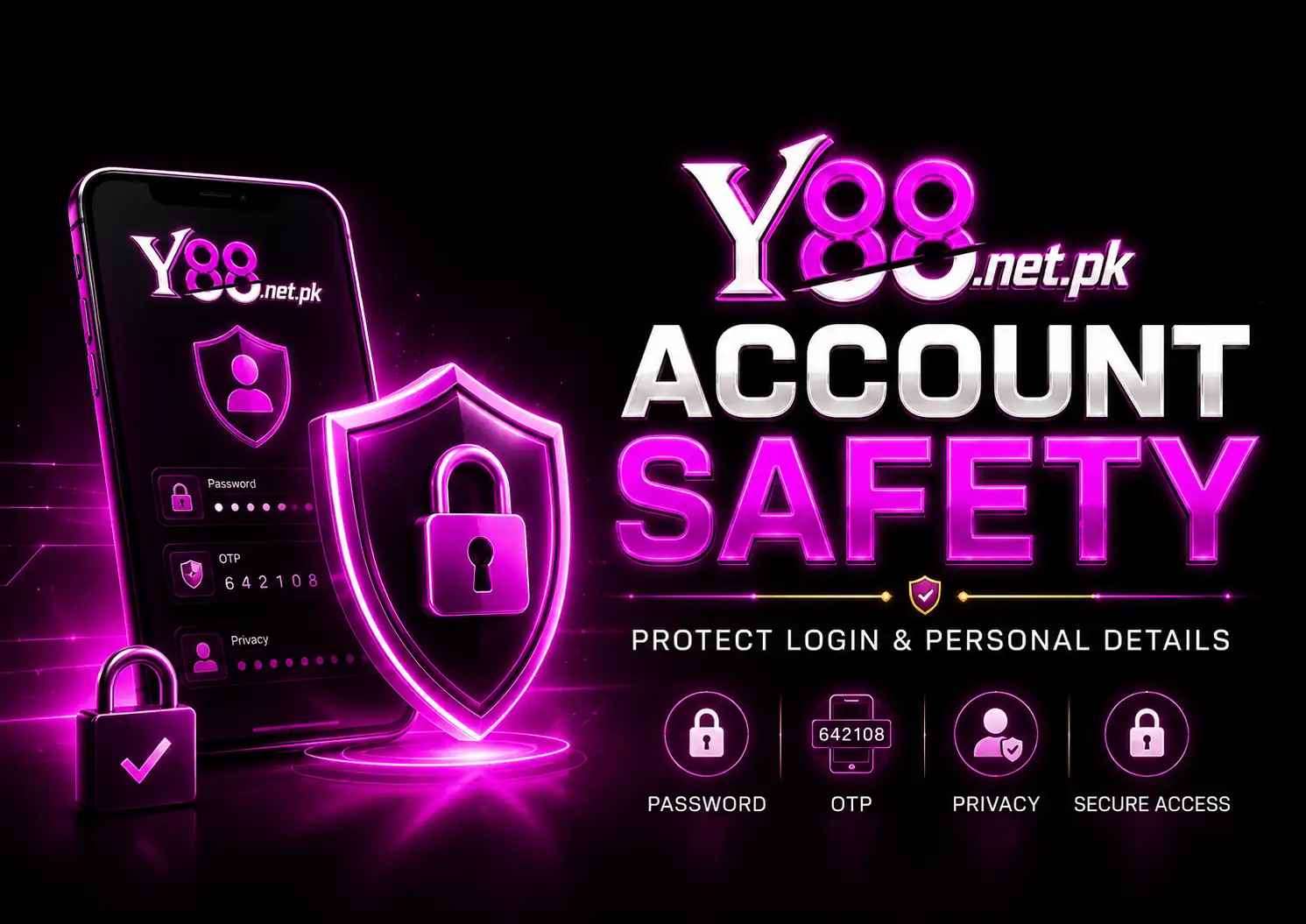
The first rule of Y88 Account Safety is deciding which details should never leave your control. Your password, OTP, wallet PIN, banking password, recovery information, and similar credentials should remain private.
A genuine-looking message can still be suspicious. Instead of responding quickly because a message says something is urgent, read it carefully. Security problems often become worse when people feel pressured to act immediately.
Give Your Password Its Own Job
Reusing the same password across several websites creates an unnecessary connection between different accounts. For better Y88 Account Safety, use a password that is not already attached to your email, social accounts, or other important services.
Avoid keeping the password in places where another person can easily see it. A note left open on a shared phone or computer can defeat the purpose of having a strong password in the first place.
Treat Every OTP as Private
An OTP is meant for the person completing the verification. It should not be copied into a chat, sent through a message, or shared with somebody simply because they claim they need it.
This is one of the simplest Y88 Account Safety habits to remember: if another person asks you to send them your verification code, do not treat that request casually.
Safety Check: Never send passwords, OTPs, wallet PINs, banking credentials, or account-recovery codes to another person.
Pay Attention to the Page in Front of You
Security is not only about passwords. Y88 Account Safety also means paying attention to where you are entering information.
Look at the page before typing private details. Unexpected pop-ups, strange forms, unusual requests, or messages pushing you to provide personal information deserve extra caution.
If something does not look familiar, there is no need to rush. Closing the page and checking again is better than entering sensitive information simply to continue.
Shared Phones Need a Different Routine
A personal phone and a shared device should not be treated in the same way.
When another family member or friend also uses the device, Y88 Account Safety becomes especially important. Avoid allowing browsers to expose passwords unnecessarily, keep sensitive screenshots out of shared folders, and make sure private account information is not left visible after you finish.
The same idea applies to public or borrowed computers. Information that remains in browser history, saved forms, screenshots, or open tabs can sometimes be seen later by somebody else.
Be Careful With Screenshots
Screenshots are convenient when you want to remember something, but they can contain more information than expected.
Before sharing one, inspect the full image. Account numbers, names, balances, phone numbers, reference details, QR codes, or other private information may appear outside the area you originally intended to show.
Good Y88 Account Safety means checking a screenshot before sending it anywhere.
Do Not Let Urgency Make the Decision
Messages such as “verify now,” “your account will close,” or similar pressure-based wording should make you more careful, not less.
Take time to understand what is being requested. Y88 Account Safety is stronger when decisions are based on what you can verify rather than what an unexpected message tells you to do.
Create a Small Security Routine
You do not need to perform a long security check every day. A short routine is enough.
For Y88 Account Safety, periodically review whether your password is still private, whether your device is secure, and whether you have shared information somewhere that should be removed. If you notice something unfamiliar, investigate it before continuing with normal account activity.
Security works best when these checks become ordinary habits instead of emergency steps.
FAQs
What information should I never share with another person?
Keep passwords, OTPs, PINs, recovery codes, banking passwords, and other authentication details private. These details are designed to protect access to your accounts.
Is using the same password on different websites safe?
It is better to use separate passwords for important accounts. This keeps Y88 Account Safety separate from problems that could occur on another website or service.
Should I send an OTP if someone says they are helping with my account?
No. Verification codes should remain private. Do not send an OTP to someone who contacts you asking for it.
What should I check before sharing a screenshot?
Review the entire picture for private information, including phone numbers, account details, QR codes, reference numbers, or anything else you would not want another person to keep.
Conclusion
Y88 Account Safety is mostly about controlling information. A password kept private, an OTP that is never forwarded, and a screenshot checked before sharing can prevent avoidable exposure of personal details.
There is also value in slowing down. Unexpected requests do not require an immediate answer. Keep private credentials to yourself, protect the devices you use, and make security checks a normal part of managing any online account.